 Chat with all AI
Every top AI model in one Chrome side panel
Chat with GPT-6.1, Claude, Meta's Muse and Grok next to any page. Summarize, write emails and WhatsApp replies, debug code and create images — and switch models in one tap.
 GPT-6.1
 Claude 5.5
 Muse
 Grok 4.7
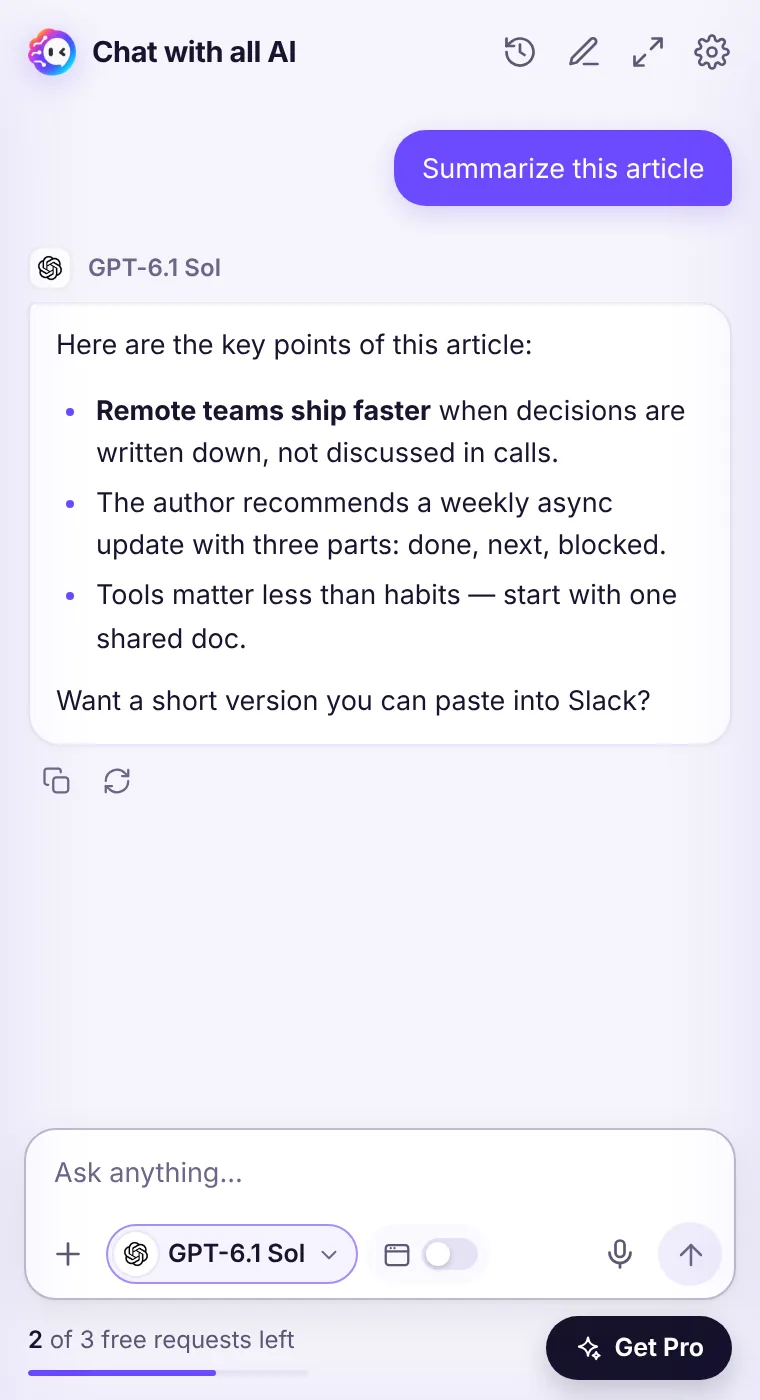
The right AI for every task
Each lab is good at something different. Instead of paying for four apps, keep them all one click away.
GPT-6.1 · OpenAI
Reliable instruction following and structured output (tables, JSON, step lists). Strong all-round coding and math reasoning.
See GPT-6.1 modelsClaude · Anthropic
Natural, human-sounding writing and editing. Excellent at reading long documents and code bases.
See Claude modelsMuse · Meta
Fast, friendly everyday answers (Ember is our default model). Conversational tone that's easy to read.
See Muse modelsGrok · xAI
Direct, to-the-point answers with personality. Quick brainstorming and blunt second opinions.
See Grok modelsBuilt for real work in the browser
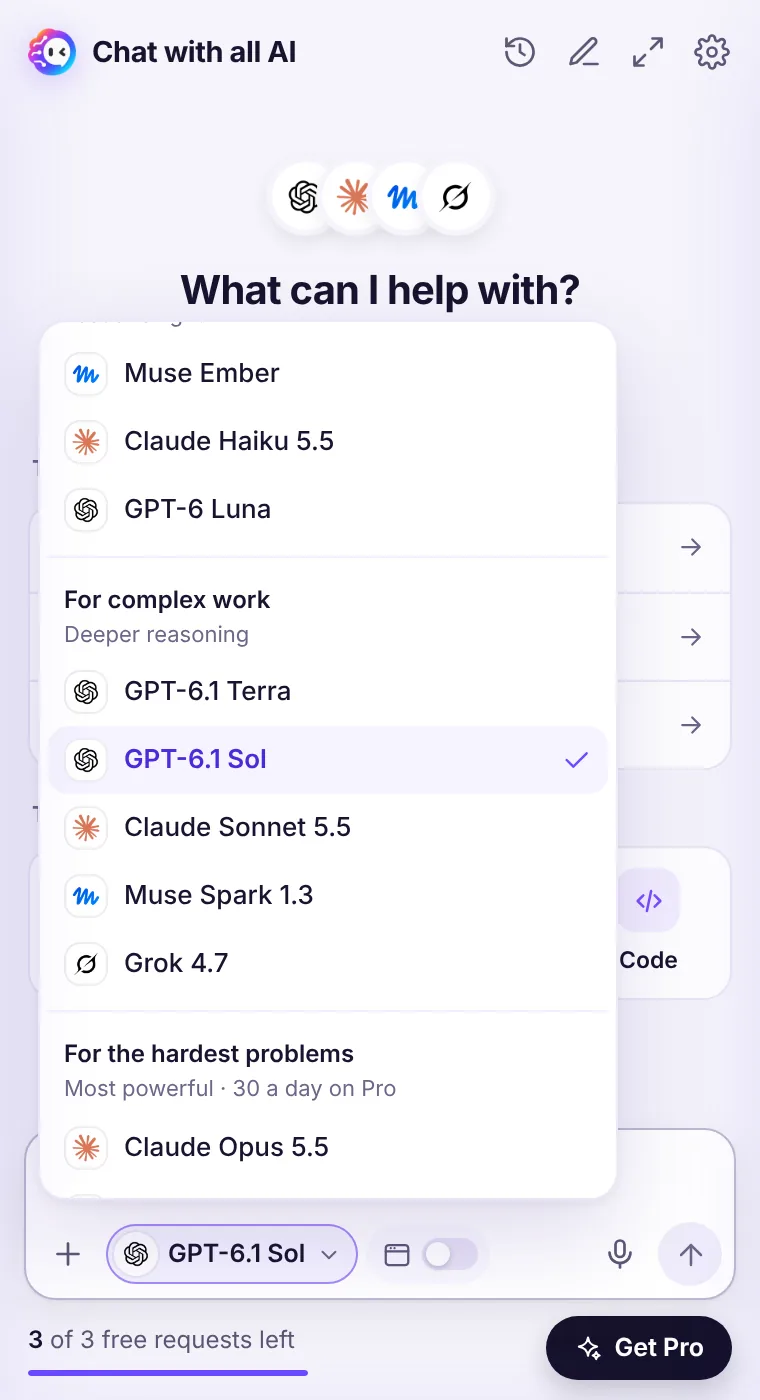
Pick the model, not the app
Eleven models in one menu, grouped by what they're best at: everyday tasks, complex work and the hardest problems.
- Every answer is labelled with the model that wrote it
- Regenerate with another model to compare
- Free requests work with any model
Ask about the page you're on
Summarize, explain, translate or extract data from any article, doc or thread — the answer appears right next to it.
- One toggle shares the page — never in the background
- Right-click actions for selected text
- Capture any area with Ctrl+Shift+K
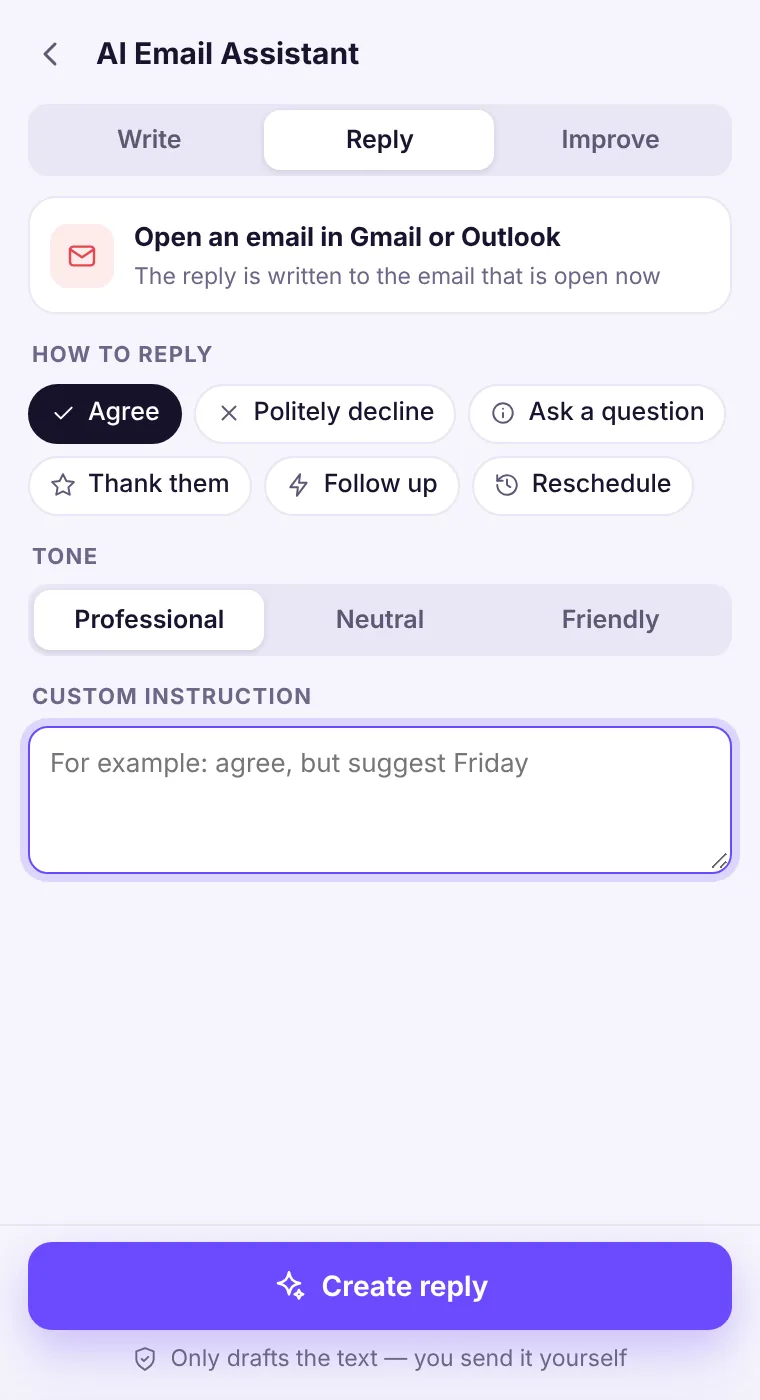
Email and WhatsApp replies, drafted for you
Choose how to reply and the tone. The assistant drafts; you copy and send. It never sends anything on its own.
- Write, Reply and Improve for Gmail, Outlook and other webmail
- WhatsApp Web reply drafts
- Agree, decline, ask, thank, follow up, reschedule
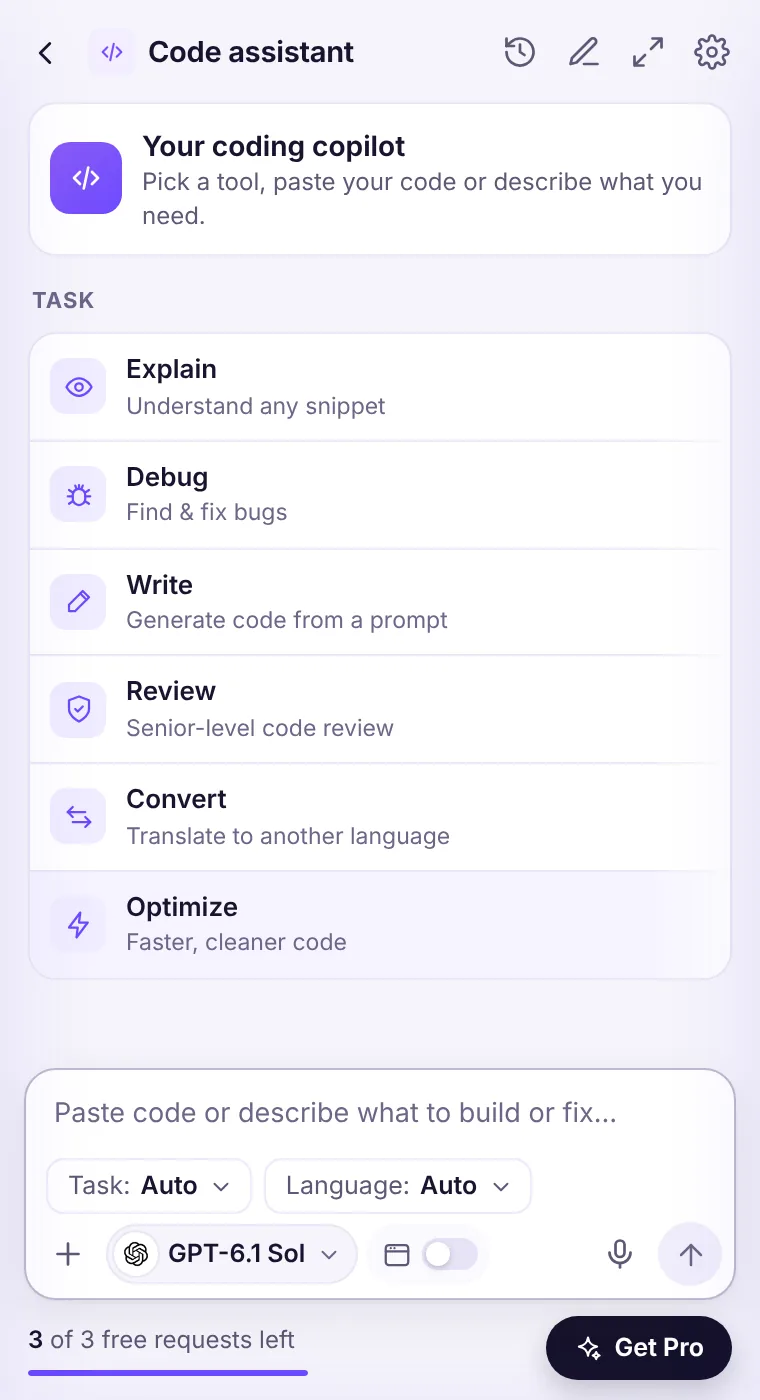
A coding copilot in every tab
Explain, debug, review, convert and optimize code with Claude Opus 5.5, GPT-6.1 Sol or Muse Wonder.
- Tasks for tests, regex, SQL and docs
- Syntax-highlighted answers
- Full-window mode for long reviews
Why people switch to Chat with all AI
| Chat with all AI | Using each AI separately | |
|---|---|---|
| GPT-6.1 (OpenAI) | Luna, Terra, Sol | Separate ChatGPT plan |
| Claude 5.5 + Fable 5.2 (Anthropic) | Haiku, Sonnet, Opus, Fable | Separate Claude plan |
| Muse (Meta) | Ember, Spark 1.3, Wonder | Separate app |
| Grok 4.7 (xAI) | Yes | Separate X / Grok plan |
| Works next to the page you're reading | Yes | Separate tabs |
| Switch model for the same question | One tap | Copy-paste between apps |
Official apps offer extra features such as file libraries and memory. Chat with all AI focuses on fast, model-choice answers inside Chrome.
How it works
Add to Chrome
Install from the Chrome Web Store and pin the icon. No account needed.
Open the side panel
Click the icon or press Ctrl Shift Y on any page.
Ask any model
Pick GPT-6.1, Claude, Muse or Grok and ask. Switch anytime.
Popular ways people use it
Developers
Explain unfamiliar code on GitHub, debug a stack trace from your logs, review a pull request or convert a snippet — with Claude Opus 5.5, GPT-6.1 Sol…
Read moreStudents
Understand a hard reading, get a concept explained three different ways, check your reasoning on a problem and build a study plan — next to your…
Read moreWriters & marketers
Draft, edit and repurpose content with the model that fits the voice: Claude for natural prose, GPT-6.1 for structure, Grok for punchy hooks, Muse…
Read moreCustomer support
Draft clear, kind replies to customer emails and WhatsApp messages, summarize long threads and translate for international…
Read moreJob seekers
Tailor your CV to the job post you're looking at, write a cover letter in your own voice and practice interview…
Read moreResearchers & analysts
Summarize papers and reports, pull numbers into tables, list assumptions and counter-arguments, and get a second model's opinion before you…
Read moreQuestions
Is Chat with all AI free?
Yes, you can try it free: 3 requests with any model, no sign-up and no card. For unlimited use, Pro costs $5.99/week (with a 3-day free trial), $10.99/month or $39.99/year.
Which AI models are included?
11 models: Muse Ember, Claude Haiku 5.5, GPT-6 Luna, GPT-6.1 Terra, GPT-6.1 Sol, Claude Sonnet 5.5, Muse Spark 1.3, Grok 4.7, Claude Opus 5.5, Claude Fable 5.2 and Muse Wonder.
Is this the official ChatGPT, Claude or Meta extension?
No. Chat with all AI is an independent extension by NextApps AI. It gives you access to these models through their APIs and is not affiliated with OpenAI, Anthropic, Meta or xAI.
Do you store my conversations?
No. Conversations are processed to create the answer and are not stored on our servers. Your history stays in your browser. See the Privacy Policy.
What happened to Muse AI Assistant?
Muse AI Assistant became Chat with all AI. Muse models are still here — now alongside GPT-6.1, Claude and Grok. Read what changed.
Every top AI model, one side panel
Try GPT-6.1, Claude, Muse and Grok free — 3 requests, no card needed.