 Chat with all AI
Summarize any web page in seconds
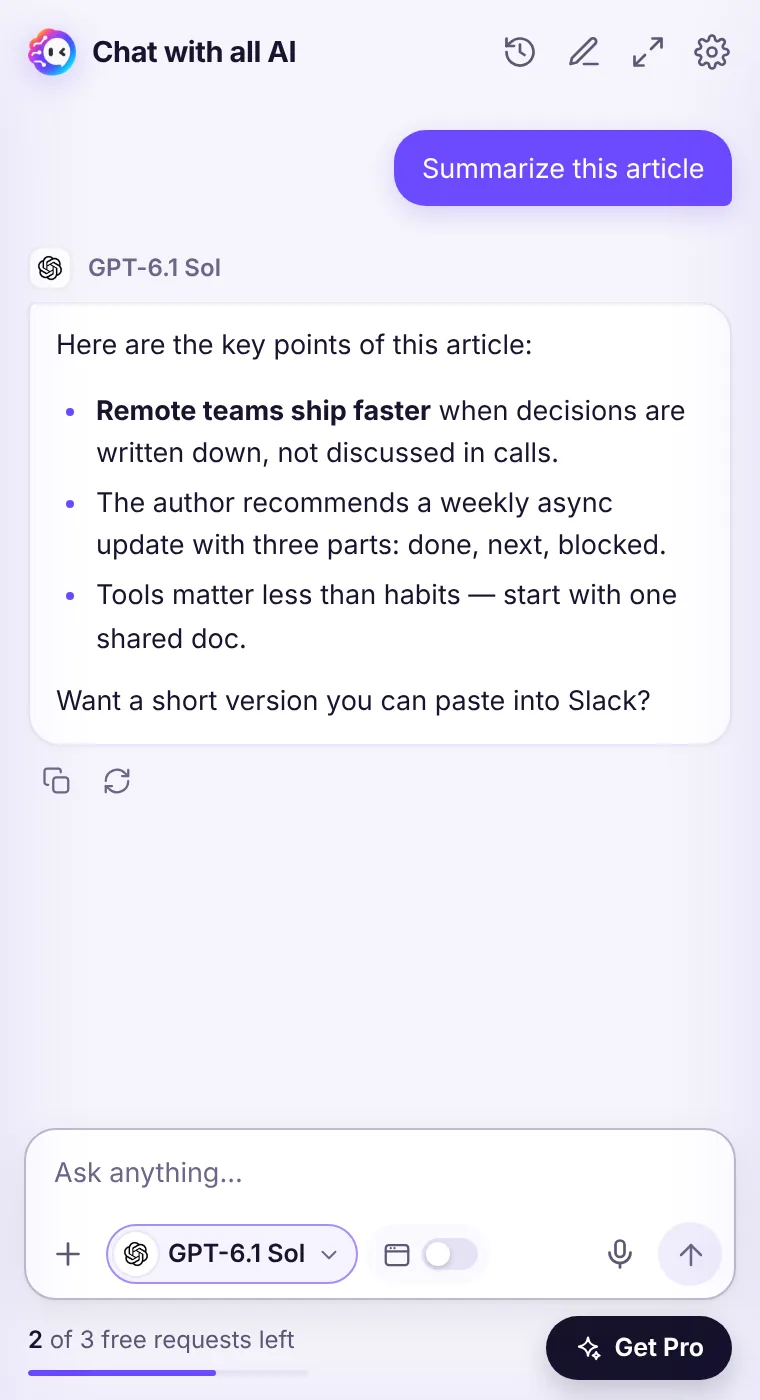
Long article, dense documentation, a 40-message thread — click Summarize this page and get the key points next to the page, then ask follow-up questions about it.
How it works
- Open the page you want to summarize.
- Open the side panel and click Summarize this page (or right-click → Ask AI about this page).
- The first time, Chrome asks you to allow access to the page — the extension reads it only when you ask.
- Ask follow-ups: “What's the strongest counter-argument?” or “Make it a tweet.”
What gets summarized
The extension reads the page's title, address and visible text (and your selection, if you made one) at the moment you ask. It never reads pages in the background. Very long pages are trimmed to the most relevant part that fits the model.Pick the right model for summaries
Muse Ember and Claude Haiku 5.5 are great for quick gists. For long reports or research papers, Claude Sonnet 5.5 or GPT-6.1 Sol keep more nuance. For a blunt 'is this worth reading?' verdict, try Grok 4.7.See it in the extension
Frequently asked questions
Does it work on PDFs?
It works on regular web pages. Chrome's built-in PDF viewer and some protected pages (like the Chrome Web Store or settings pages) can't be read by extensions — copy the text into the chat instead.
Does it work on YouTube?
It can read a video page's visible text such as the title and description, but it doesn't watch the video or read its audio.
Every top AI model, one side panel
Try GPT-6.1, Claude, Muse and Grok free — 3 requests, no card needed.