 Chat with all AI
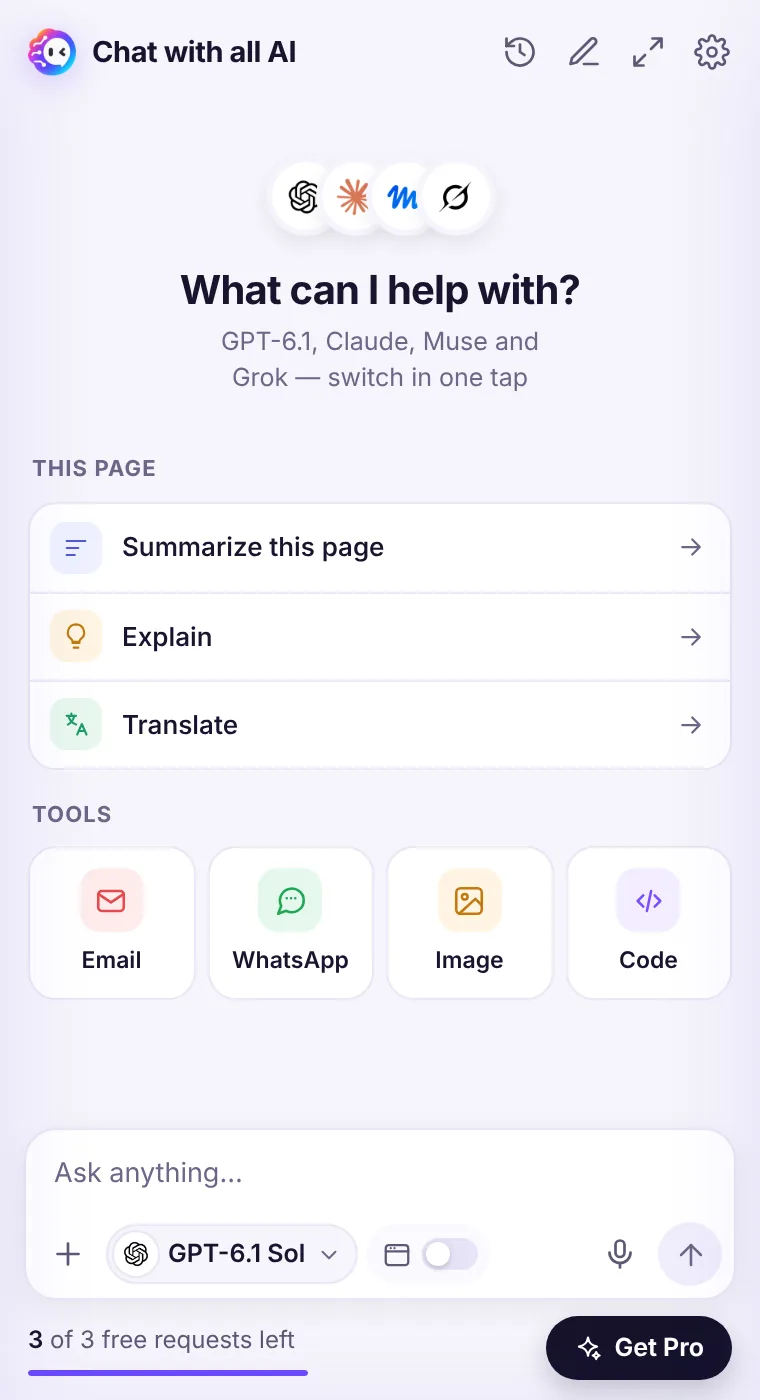
Side panel for quick help, full window for deep work
The side panel is perfect for questions about what you're reading. When a conversation grows, click the expand icon to continue in a full browser tab with your chat list on the left.
How it works
- Open the side panel from the toolbar icon or Ctrl Shift Y.
- Click the expand icon in the header to open the full window.
- In the full window, use the sidebar to search and reopen past chats.
- Use the panel button at the top-left to open or close Chrome's side panel.
Same chats everywhere
Both views share the same local history, so you can start in the panel and finish in the full window.Comfortable for long work
The full window gives code and long answers room to breathe — ideal for code reviews, essays and research.See it in the extension
Frequently asked questions
Does the full window need a separate login?
No — it's the same extension, opened in a tab.
Can I use it on a second monitor?
Yes. Drag the full-window tab into its own window.
Every top AI model, one side panel
Try GPT-6.1, Claude, Muse and Grok free — 3 requests, no card needed.