 Chat with all AI
Your chat history, stored only in your browser
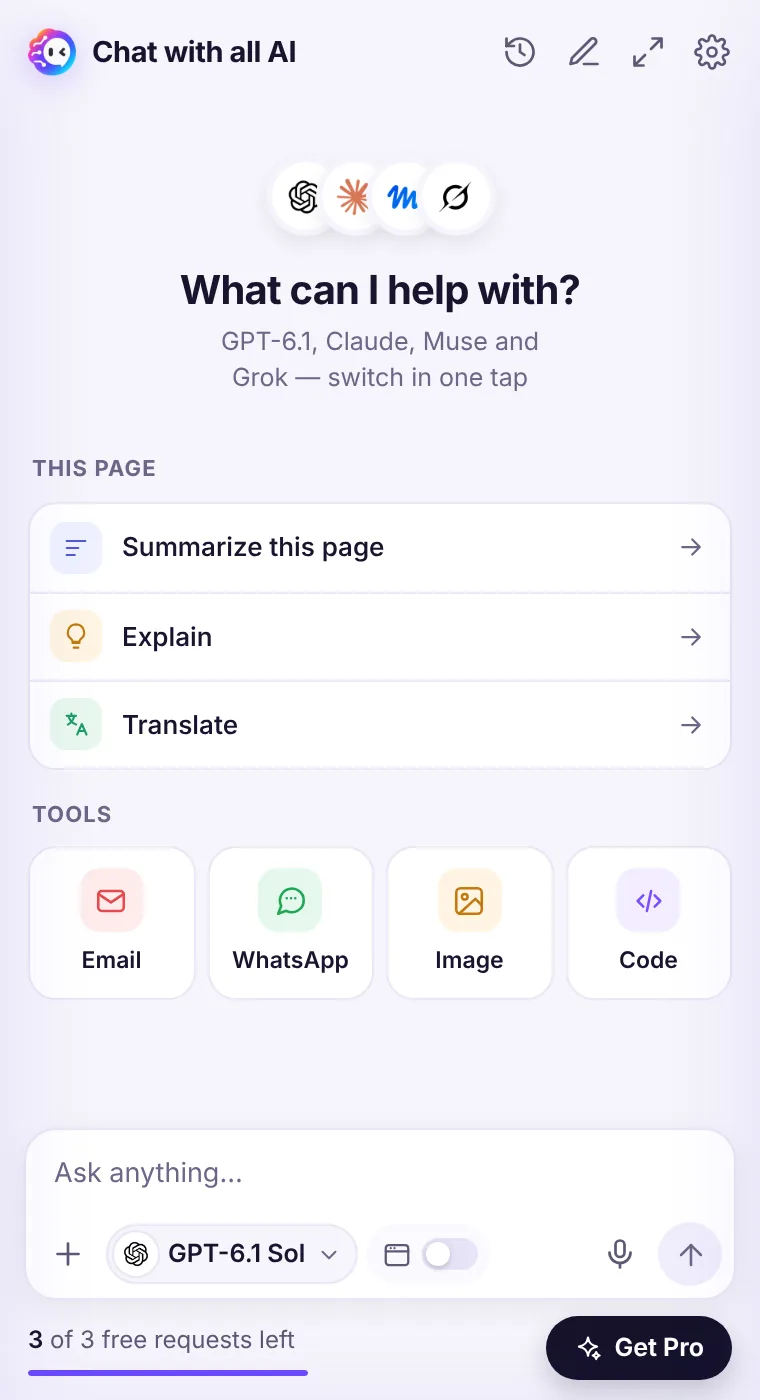
Open the clock icon to see past chats. In the full window, the sidebar lists and searches them. Everything lives in your browser's local storage.
How it works
- Click the clock icon in the header.
- Open any past chat to continue it.
- In the full window, search chats from the sidebar.
- Clear history or delete all data in Settings.
Local by design
We don't keep copies of your conversations. If you uninstall the extension or clear its data, the history is gone — so copy anything important.Images
Images the extension generated are kept in local history; images you uploaded are not saved.See it in the extension
Frequently asked questions
Does history sync between computers?
No. It stays on the device and browser where you used it.
Can I delete one chat?
Yes, from the history list.
Every top AI model, one side panel
Try GPT-6.1, Claude, Muse and Grok free — 3 requests, no card needed.