 Chat with all AI
Talk instead of typing
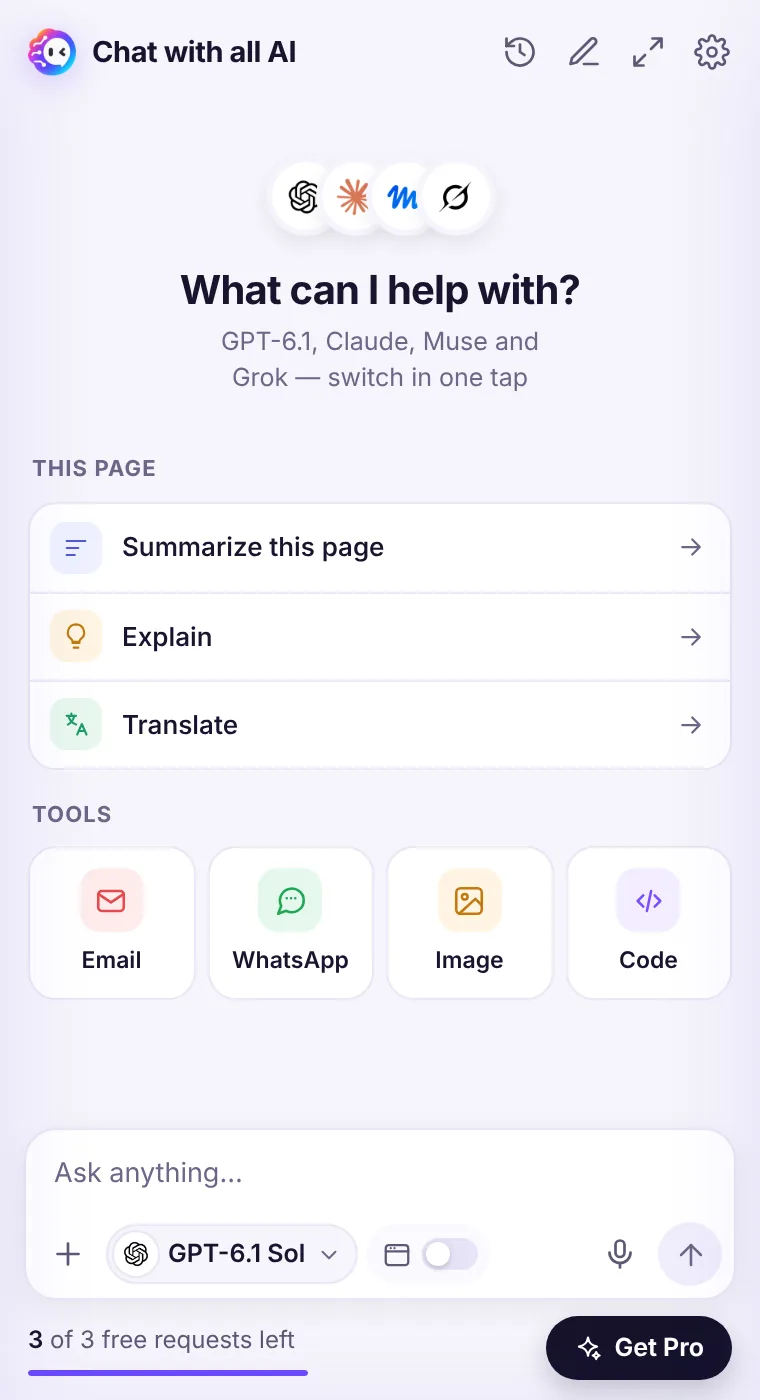
Sometimes it's faster to say it. Click the microphone, speak, and your words appear in the message box ready to edit and send.
How it works
- Click the mic icon in the message box.
- Allow microphone access the first time (Chrome asks once).
- Speak naturally, then click the mic again to stop.
- Edit the transcript if needed and send.
How it works
Audio is recorded only while voice input is on. The recording is sent to our server and a speech-to-text model through OpenRouter to turn it into text, then discarded. Nothing is recorded in the background.Languages
Speak in the language you want — the transcript keeps it. You can then ask the AI to answer in another language.See it in the extension
Frequently asked questions
Is my voice stored?
No. Recordings are processed to create the transcript and discarded; they are not saved by us.
Does voice input use a request?
Transcription itself doesn't use one of your 3 free requests; sending the message does.
Every top AI model, one side panel
Try GPT-6.1, Claude, Muse and Grok free — 3 requests, no card needed.