 Chat with all AI
Translate pages and selections with AI
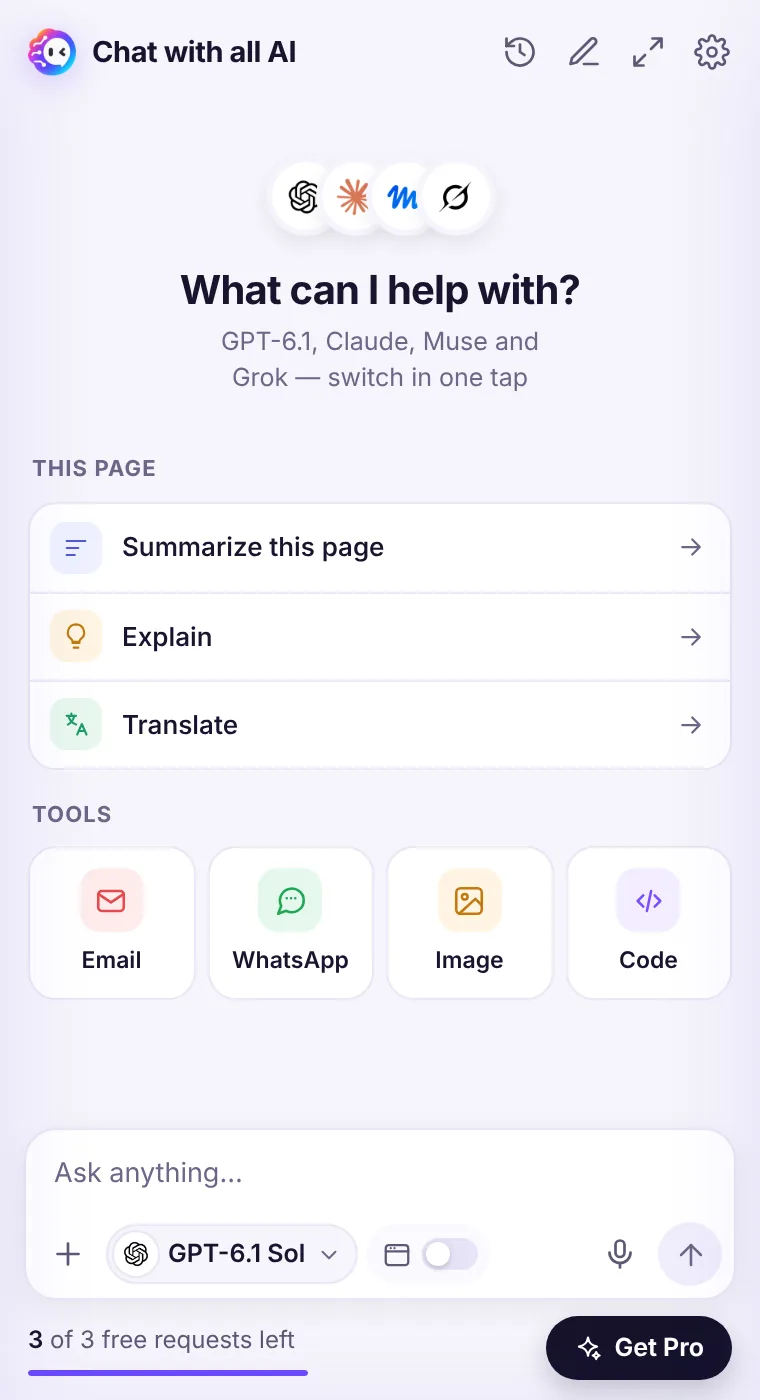
Click Translate on the home screen to translate the current page into your interface language, or select text and right-click → Translate selection.
How it works
- Open the page or select the text.
- Click Translate on the home screen or use the right-click menu.
- Ask for a specific language or tone: “translate into formal German”.
- Ask follow-ups like “explain this idiom”.
Better than word-for-word
AI translation keeps meaning and tone, explains idioms and can adapt formality — handy for emails and business documents.Ten interface languages
The extension itself speaks English, Spanish, French, Italian, Portuguese, German, Russian, Hindi, Japanese and Chinese.See it in the extension
Frequently asked questions
Which model translates best?
Claude Sonnet 5.5 and GPT-6.1 Terra are strong for nuanced translation; Muse Ember and GPT-6 Luna are fastest for quick checks.
Does it replace the page text?
No, the translation appears in the side panel; the page stays as it is.
Every top AI model, one side panel
Try GPT-6.1, Claude, Muse and Grok free — 3 requests, no card needed.