 Chat with all AI
AI in Chrome's right-click menu
The fastest way to use AI on a page: select text, right-click, pick an action. The side panel opens with the answer.
How it works
- Select text on any page.
- Right-click and choose Ask AI about “…”, Explain this code, Summarize selection or Translate selection.
- Without a selection, choose Ask AI about this page or Capture area to text.
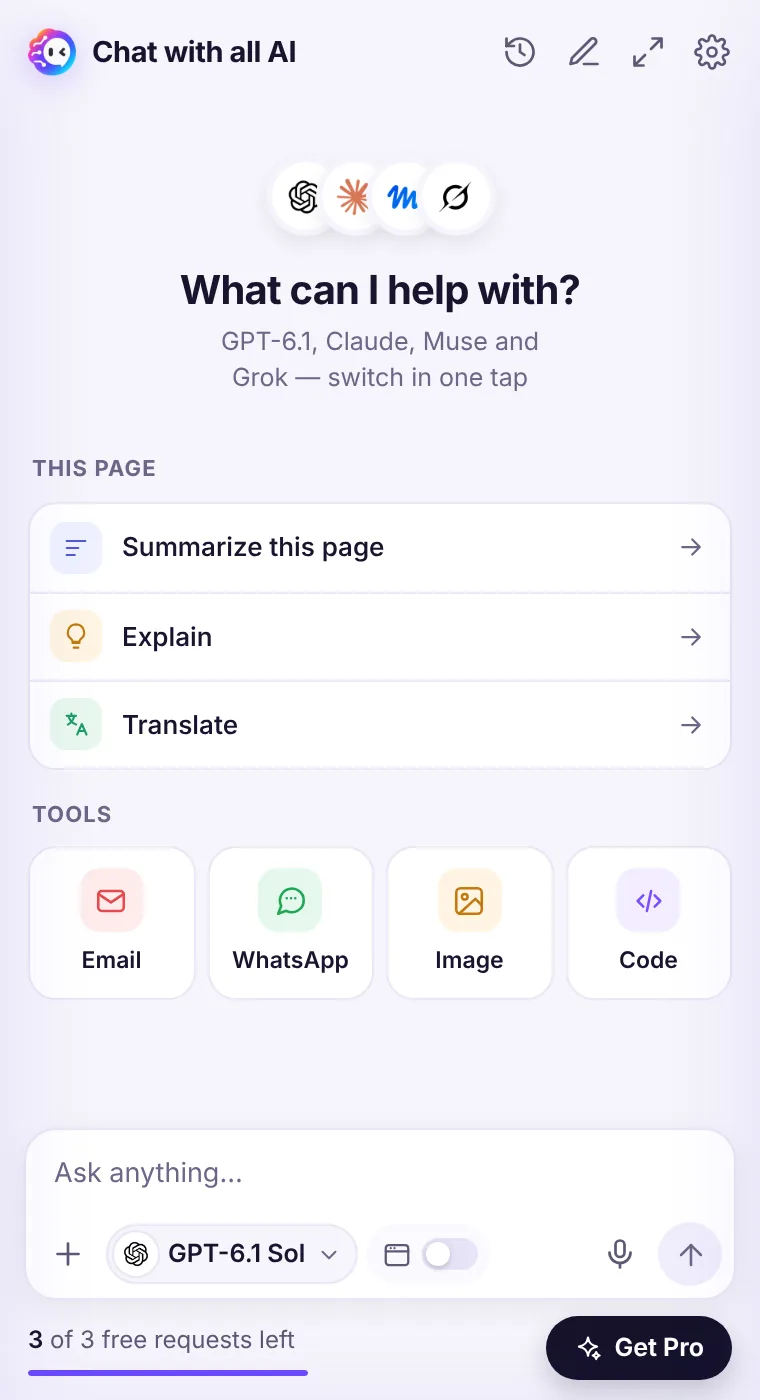
- The answer appears in the side panel, where you can continue the conversation.
Why it's handy
You don't have to copy anything or switch tabs. Explaining a confusing paragraph or a snippet of code takes two clicks.What's sent
Only the text you selected (or the page, if you chose the page action) — at the moment you click.See it in the extension
Frequently asked questions
Can I change the actions?
The four actions are fixed for now. You can always type any instruction in the side panel.
Does it work in Google Docs?
Some editors render text in a special way and don't expose a normal selection to extensions; if nothing happens, copy the text into the chat.
Every top AI model, one side panel
Try GPT-6.1, Claude, Muse and Grok free — 3 requests, no card needed.