 Chat with all AI
Capture any area of the screen and turn it into text
Some things can't be copied: text in images, charts, error messages in screenshots, scanned pages. Press Ctrl Shift K, drag over the area, and the AI reads it for you.
How it works
- Press Ctrl Shift K (or choose Capture area in the + menu or the right-click menu).
- Drag to select the part of the page you need.
- The capture is attached to your message — ask “Extract the text”, “Explain this chart” or “What does this error mean?”.
- Send. The image is used for that answer only and is not stored on our servers.
Great for
Text inside images and infographics, error dialogs, chart values, code in screenshots or videos you paused, and pages that block copying.Privacy
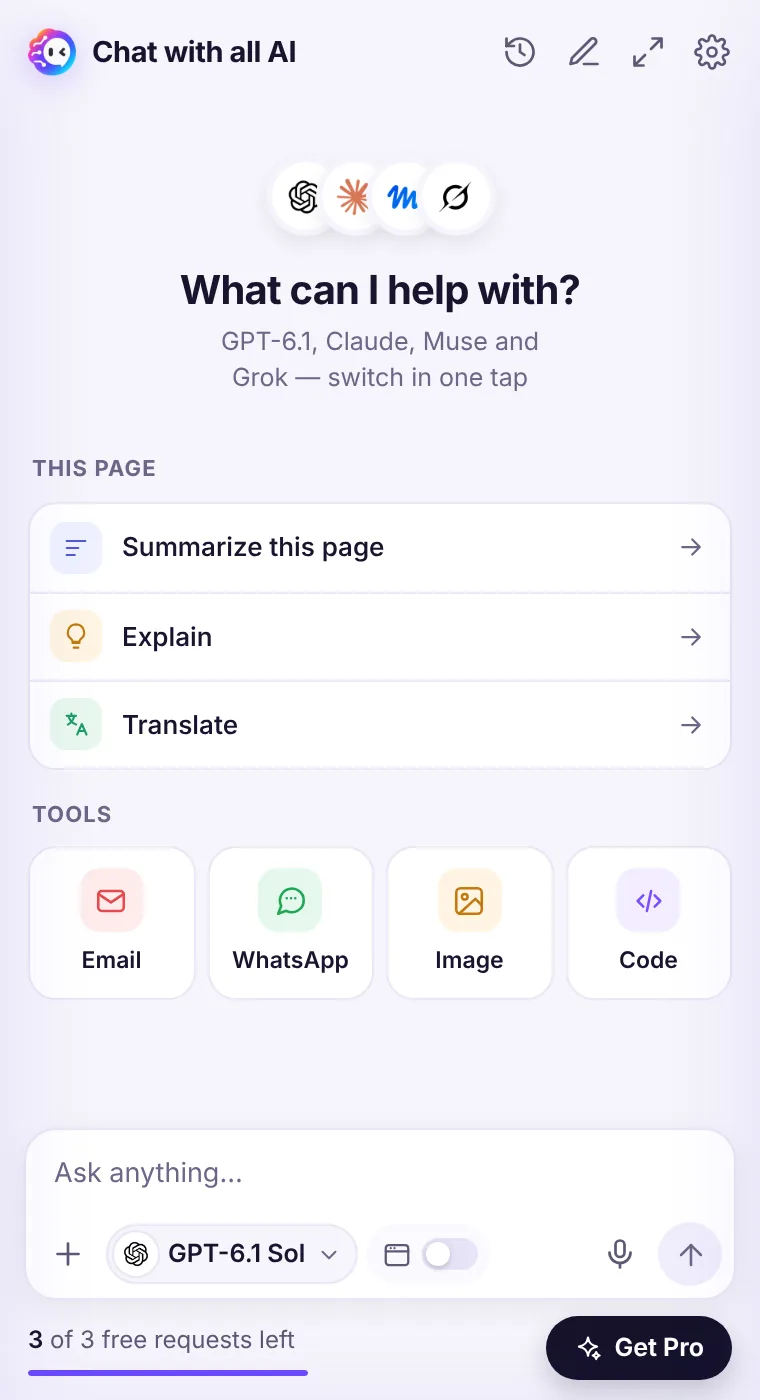
Only the area you select is captured, and only when you trigger it. Captured images aren't saved in your chat history.See it in the extension
Frequently asked questions
Can it read handwriting?
Clear handwriting often works, but results vary. Typed text works best.
Which model reads images?
Image understanding uses a vision-capable model; you can still pick your preferred model for the answer.
Every top AI model, one side panel
Try GPT-6.1, Claude, Muse and Grok free — 3 requests, no card needed.